Image Enhancer (Client-side)
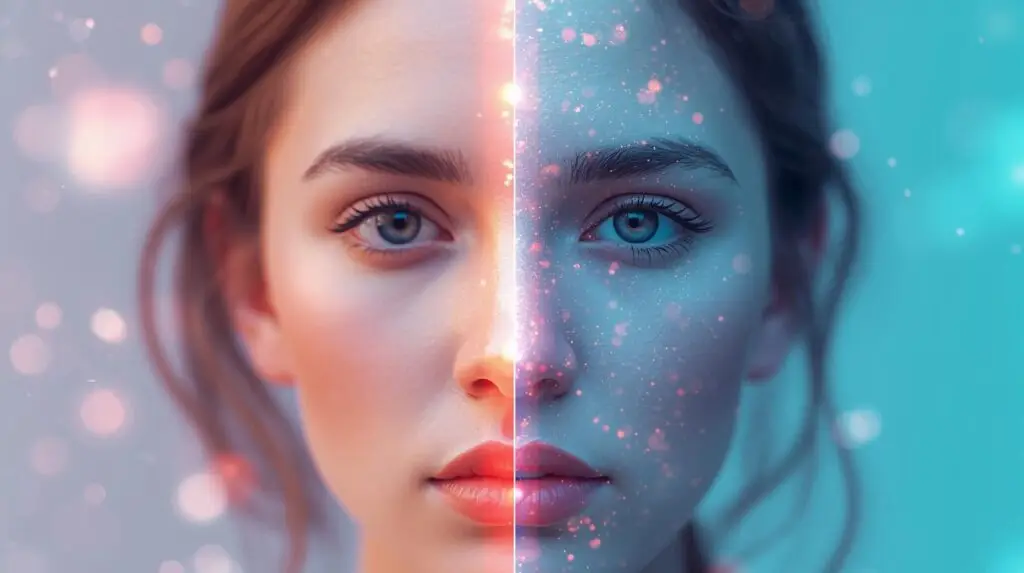
AI Image Enhancer – Improve Image Quality, Sharpness & Details Automatically
The AI Image Enhancer is an advanced online tool designed to instantly improve photo quality with the power of artificial intelligence. Whether your image is blurry, low-resolution, noisy, or lacks detail, this tool enhances clarity, sharpness, colors, and overall quality automatically. You don’t need editing skills or professional software — just upload an image and let the AI upgrade it within seconds.
If you want HD-quality photos for social media, e-commerce, blogging, YouTube thumbnails, or personal use, the AI Image Enhancer gives you professional-grade results effortlessly.
Why Use an AI Image Enhancer?
Most photos taken with mobile phones, screenshots, or old images often lack sharpness and detail. Manually enhancing them requires complex editing tools like Photoshop, which are difficult for beginners. The AI Image Enhancer solves this problem by automatically improving your images using advanced machine learning models that understand lighting, color balance, and textures.
This tool is ideal for improving low-quality images, restoring old pictures, and preparing visuals for high-quality presentation.
- Fix blurry or pixelated images with high-precision sharpening.
- Enhance colors and contrast to make images vibrant.
- Denoise photos by removing grain, noise, and distortions.
- Upscale image resolution from low-quality to HD or higher.
- Restore old or damaged photos using intelligent reconstruction.
Key Features of the AI Image Enhancer
- AI Upscaling (2x, 4x, or more): Increases resolution without losing clarity.
- Advanced Sharpness Improvement: Makes edges clear and details crisp.
- Color Boosting: Enhances saturation, tone, and vibrancy automatically.
- Denoising Technology: Removes noise, grains, and pixel artifacts.
- Low-light Correction: Improves dark and poorly lit photos instantly.
- One-click enhancement: No editing skills required.
- Browser-based: Works online — no installation needed.
- Secure processing: Your images are never stored or shared.
These features make the AI Image Enhancer one of the simplest and most powerful solutions for improving images quickly.
How the AI Enhancer Works
The tool uses deep learning to analyze image details and apply corrections intelligently. It detects blurry regions, identifies noise, analyzes lighting, and reconstructs image details in high quality. Unlike simple filters, this tool understands the image structure and restores the photo realistically.
- Upload a low-quality or blurry image.
- The AI analyzes texture, colors, brightness, and sharpness.
- It upgrades the image by enhancing clarity, resolution, and colors.
- You get a high-quality, professional-looking image ready to download.
This makes it perfect for beginners and professionals alike.
Who Can Benefit From the AI Image Enhancer?
This tool is suitable for:
- Photographers: Quickly improve quality without manual retouching.
- Bloggers: Create sharp, attractive visuals for posts.
- E-commerce sellers: Enhance product photos for more sales.
- Students: Improve project images and presentations.
- YouTubers: Prepare clear thumbnails and banner images.
- Social media creators: Upgrade Instagram, Facebook, or TikTok images.
- Designers: Improve low-res assets for quick use.
Use Cases of AI Image Enhancer
- Enhancing old photos for restoration projects
- Improving blurry images captured in low light
- Fixing pixelated screenshots
- Preparing crisp product photos for online stores
- Upgrading profile photos and display pictures
- Fixing motion blur in camera images
- Upscaling images for printing or HD usage
No matter what type of image you upload, the AI ensures a clean, detailed, and high-quality output.
Why This AI Image Enhancer Is Better Than Manual Editing
Most editing software requires technical skill and consumes a lot of time. Manual sharpening or noise removal may even damage the image quality. The AI Image Enhancer automates everything and uses advanced neural networks to produce naturally enhanced results.
Your images become clearer, more colorful, and more professional — without any effort. It is fast, reliable, accurate, and beginner-friendly.
Final Thoughts
The AI Image Enhancer is a powerful tool for instantly upgrading photo quality. Whether your image is blurry, grainy, low-resolution, or dull, this tool transforms it into a clear, sharp, and visually appealing version. With AI-powered upscaling, color correction, and noise reduction, it delivers professional-quality results in seconds.
Try the AI Image Enhancer now and turn any low-quality photo into an HD masterpiece.