Image to PNG & WEBP Converter
Upload images (JPG/PNG/GIF/HEIC/WEBP supported by browser). Convert to PNG or WEBP in browser and download instantly.
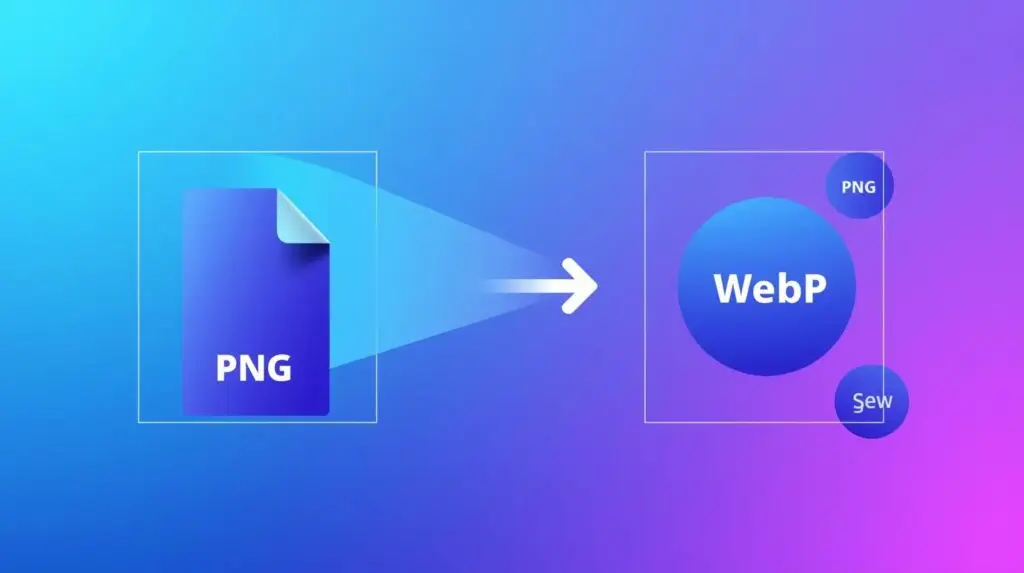
Image to PNG & WebP Converter – Convert Any Image to PNG or WebP Instantly (2025 Fast & Secure Tool)
The Image to PNG & WebP Converter is a modern and fast online tool that lets you convert any image into high-quality PNG or WebP formats within seconds. Whether your image is in JPG, JPEG, HEIC, BMP, WebP, or any other format, this converter transforms your files into optimized, transparent-friendly PNG or ultra-compressed WebP images without losing clarity.
In today’s digital environment, PNG and WebP are two of the most essential formats. PNG is perfect for high-quality graphics and transparent backgrounds, while WebP is ideal for fast-loading websites and mobile apps. With this converter, you get both formats in one place — quick, secure, and beginner-friendly.
Why Convert Images to PNG or WebP?
Each image format serves a different purpose. Converting images helps with optimization, compatibility, and professional usage. Here’s why PNG and WebP are so important:
- PNG: Supports transparency, high-quality graphics, and sharp details.
- WebP: Provides ultra-compression while keeping quality high (best for websites).
- Faster Page Speed: WebP reduces file size dramatically, helping SEO and loading time.
- Better eCommerce Images: PNG produces crisp product photos with clean edges.
- Universal Compatibility: Both formats work on all modern devices and apps.
With this converter, you get the best of both worlds — crisp PNG and super-fast WebP.
Features of the Image to PNG & WebP Converter
This tool is built for speed, privacy, and ease of use. Key features include:
- Convert Any Format: JPG, JPEG, BMP, HEIC, WebP, TIFF, and more.
- High-Quality PNG Output: Keeps edges sharp and supports full transparency.
- Optimized WebP Output: Smaller size with excellent clarity.
- Batch Conversion Support: Convert multiple images one-by-one.
- Instant Processing: Everything happens inside your browser.
- No Watermark: 100% clean and professional output.
The tool delivers the perfect balance between size, speed, and quality.
How the Converter Works
The tool is extremely simple and requires zero technical knowledge. Here’s how it works:
- Upload an image in any format
- Select “Convert to PNG” or “Convert to WebP”
- Wait a second for processing
- Download your optimized output
All conversion happens locally inside your browser — nothing is uploaded to a server.
100% Secure – No Upload, No Server, No Risk
Privacy is a major concern when using online tools. This converter is fully browser-based, meaning:
- No image is sent to a server
- No data is saved or shared
- No tracking or logging
- Your files stay on your device
This makes the tool safe for personal photos, documents, IDs, business files, and client work.
Who Should Use This Converter?
This tool is helpful for every type of user:
- Web Developers: Convert images to WebP for best performance.
- Graphic Designers: Convert assets to PNG with transparency.
- E-commerce Sellers: Generate product PNGs for crisp edges.
- Students: Convert images for projects and assignments.
- Social Media Creators: Ensure clean, high-quality uploads.
- General Users: Convert any image quickly without downloading apps.
Real-World Use Cases
People use this converter for:
- Creating PNG logos with transparent background
- Optimizing WebP images for websites
- Compressing heavy images for faster uploads
- Making cross-platform compatible images
- Replacing blurry JPG images with crisp PNG versions
- Converting HEIC (iPhone format) into PNG/WebP
These features make the tool useful for both professional and daily tasks.
Fast, Mobile-Friendly & Works on All Devices
You can use this converter on:
- Android phones
- iPhones
- Windows and Mac
- Tablets and iPads
Just upload → convert → download — the process takes only a few seconds.
Final Thoughts
The Image to PNG & WebP Converter is a must-have tool for anyone who works with images. With secure offline processing, high-quality output, and lightning-fast performance, this tool helps you convert any image format into PNG or WebP without losing clarity. Whether you're preparing graphics, optimizing your website, or converting everyday photos, this converter is simple, reliable, and powerful.
Upload your image now, convert it to PNG or WebP instantly, and download a high-quality optimized file — free, fast, and 100% secure.