PDF to JPG Converter
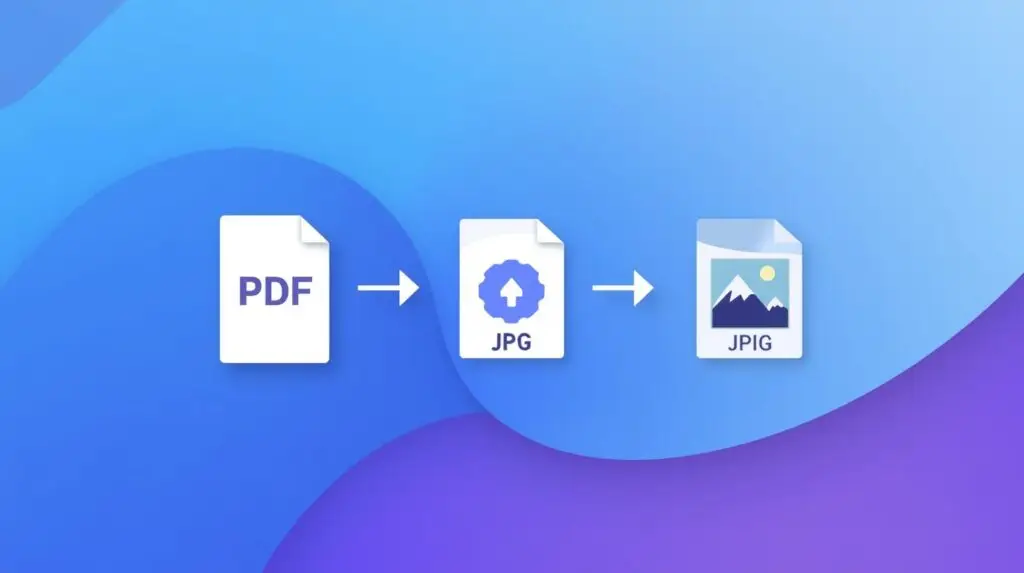
PDF to JPG Converter – Complete High-Quality Page Conversion Tool (2025 Detailed Guide)
The PDF to JPG Converter is one of the most essential online tools for students, professionals, creators, teachers, and anyone who frequently works with digital documents. PDFs are great for storing information, but they are not always convenient for sharing on social media, uploading to websites, or using inside presentations. That’s where a reliable PDF to JPG converter becomes extremely valuable. This tool instantly converts each page of your PDF into a clean, sharp, and high-resolution JPG file that you can download and use anywhere.
Our converter uses advanced rendering technology to ensure that your text, tables, graphics, illustrations, and scanned content look crisp and accurate after conversion. Whether your PDF contains high-detail images, colorful charts, handwritten notes, or business reports, the output JPG is optimized for clarity without sacrificing quality. This makes the tool extremely useful across multiple industries and professions.
Why Do You Need a PDF to JPG Converter?
There are many situations where JPG images are more convenient than PDFs. Social media platforms like Instagram, Facebook, or WhatsApp do not support PDF uploads, but they allow you to share JPG images instantly. Similarly, if you want to embed PDF content into a website, blog, Google document, Canva design, PowerPoint presentation, or YouTube thumbnail, converting PDF pages into JPG format is the most practical and flexible option.
Students use this tool to extract pages from textbooks, class notes, and assignments. Teachers use it to prepare visual study material. Office professionals use it to share document snapshots with colleagues. Designers use it to break down multi-page PDFs into separate image elements for editing or reuse. No matter what your need is, this tool saves significant time and effort.
Fast, Secure, and Browser-Based Conversion
This tool runs entirely inside your browser. That means your files never leave your device, giving you the highest level of privacy and security. No sign-up is required, no software installation is needed, and there are no hidden restrictions. Just upload your PDF, click convert, and download high-quality JPG images with one tap.
Because the tool is browser-based, it works perfectly on mobile devices, tablets, and laptops. Whether you are using Android, iPhone, Windows, macOS, or any modern browser, you will get fast and consistent results. This tool is designed to be lightweight, stable, and easy to use even on slow networks or low-end devices.
Best Features of Our PDF to JPG Converter
- High-Quality Conversion: Maintains clarity, text sharpness, and color accuracy.
- Multi-Page Support: Extracts and converts every page of your PDF automatically.
- No Data Storage: Files are processed locally in your browser for complete privacy.
- No Limits: Convert multiple PDFs throughout the day without restrictions.
- No Signup Needed: Use the tool instantly without creating an account.
- Mobile-Friendly Interface: Works smoothly on smartphones and tablets.
- Fast Download: Get your JPG output in seconds.
Who Can Benefit from This Tool?
The PDF to JPG Converter is widely used by:
- Students – Extracting pages from notes, assignments, and textbooks.
- Teachers – Preparing classroom visuals and quick image-based learning materials.
- Office Professionals – Sharing document snapshots on email or messaging apps.
- Graphic Designers – Converting PDF elements into editable image components.
- Bloggers & Creators – Converting report pages into visuals for posts and videos.
- Business Teams – Sharing page-level content with clients or colleagues.
Perfect For Every Use Case
This converter is ideal for converting PDF pages into images for presentations, assignments, legal documents, scanned pages, certificates, marketing materials, receipts, product guides, or anything else where an image format is required. The output is compatible with all major platforms and editing software, including Canva, Photoshop, MS Word, Google Docs, and PowerPoint.
Final Thoughts
The PDF to JPG Converter is a fast, reliable, and secure way to turn any PDF into high-quality images without installing software or creating an account. Whether you are a student, a creator, or a working professional, this tool saves time and improves productivity. Just upload, convert, and download — it’s that simple.